FOV Settings for Every Monitor: The Complete 2026 Guide
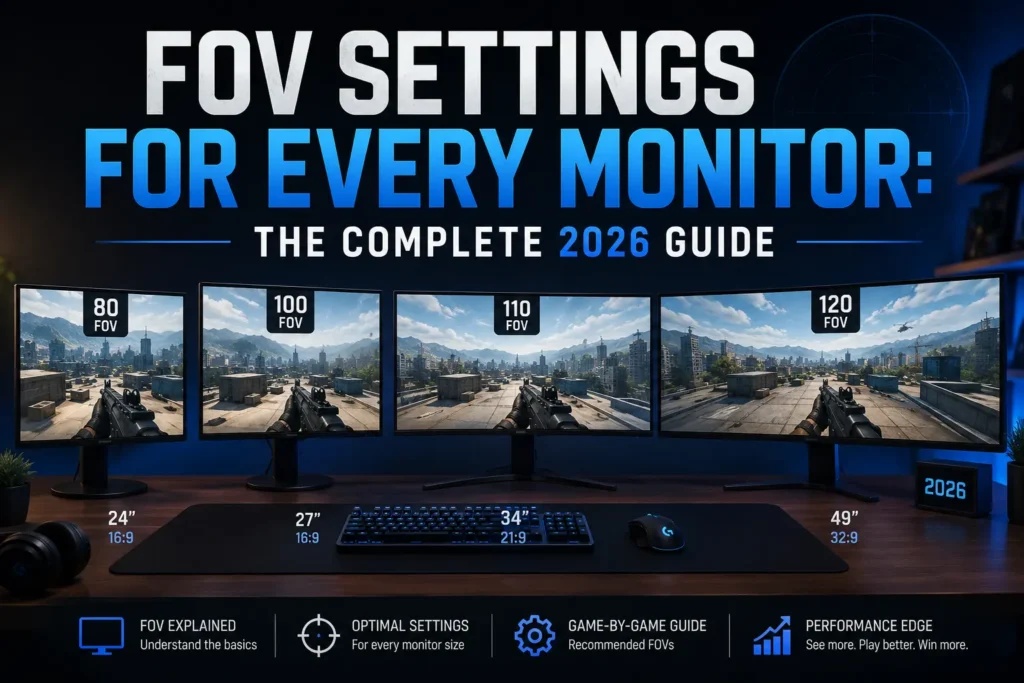
Most FOV guides give you a number and move on. This one explains why that number means something completely different depending on your monitor — and how to find the right setting for your specific setup.
7 mins read
What FOV actually means
FOV — field of view — is the angle of the world your game renders on screen at any given moment. A wider FOV means you see more of your surroundings. A narrower FOV means you’re more zoomed in.
That angle is always measured along an axis — either horizontal (left to right) or vertical (top to bottom). Which axis your game uses changes everything, because a 90° horizontal FOV on a 16:9 monitor produces a completely different view than 90° horizontal on a 21:9 ultrawide.
Recommended FOV by aspect ratio
| Aspect Ratio | Casual Play | Competitive FPS | Notes |
|---|---|---|---|
| 16:9 | 90°–100° | 90°–103° | The global standard baseline. Almost every FOV recommendation online is calibrated for 16:9. The competitive sweet spot is 90°–103° horizontal. |
| 16:10 | 88°–98° | 88°–100° | Slightly taller than 16:9. The same horizontal FOV feels slightly less zoomed in vertically. Convert your 16:9 setting rather than copying the number directly. |
| 21:9 Ultrawide | 105°–115° | 110°–120° | Wider screen means the same H-FOV is more zoomed in vertically. Push to 110°–120° to maintain the same vertical field of view you had on 16:9. |
| 4:3 | 75°–85° | 74°–90° | Narrower than 16:9. The same FOV number feels more zoomed in. Used in CS2 for stretched player models. 90° on 4:3 = ~106° H-FOV on 16:9. |
| 5:4 | 72°–80° | 72°–84° | Square-ish ratio with the narrowest horizontal view of common monitor sizes. Rarely used in modern competitive play. |
16:9 — the standard
The most common monitor ratio. Almost every FOV recommendation you’ll find online is calibrated for 16:9. The competitive sweet spot sits between 90° and 103° horizontal — wide enough for peripheral awareness, tight enough to keep targets at a reasonable size. If you’re on 16:9 and using a community-recommended FOV from a pro player, you’re on solid ground.
16:10 — the underrated middle ground
16:10 is slightly taller than 16:9 — you get a bit more vertical real estate. That means the same horizontal FOV will feel slightly less zoomed in vertically. If you’re moving from 16:9 to 16:10, a direct copy of your FOV number is close, but you’ll want to convert properly to maintain exact vertical calibration. The difference is small but noticeable at high sensitivity where micro-adjustments matter.
21:9 ultrawide — more screen, different rules
Ultrawide monitors are significantly wider than 16:9. That extra horizontal space gives you more peripheral vision, but a 90° horizontal FOV on 21:9 is actually more zoomed in vertically compared to the same number on 16:9. Most players moving to ultrawide need to push their horizontal FOV into the 110–120° range to maintain the same vertical field of view they had before. Not doing this is one of the most common reasons ultrawide players feel like their aim regressed after upgrading.
4:3 — the stretched setup
4:3 is narrower than 16:9 — most commonly used in CS2 by players who stretch their resolution to make player models appear wider and easier to hit. On 4:3, the same FOV number will feel noticeably more zoomed in than on 16:9. Players who use 4:3 stretched typically lower their FOV slightly to compensate, or accept the narrower view as part of the stretched advantage.
How to find your correct FOV for any monitor
Always convert from a known value rather than guess a new one. Pick an FOV you feel comfortable with on any monitor, note your aspect ratio, and convert it to your new ratio using vertical FOV as the anchor. That preserves your spatial calibration regardless of screen size.
– RELATED TOOL
– RELATED GUIDES