
The only
FOV Calculator
you need.
Convert field of view between any aspect ratio with mathematically accurate results. Calculate horizontal and vertical FOV instantly and optimize your gaming experience.
8+
FOV Tools
10+
Game Calculators
0ms
Calculation Time
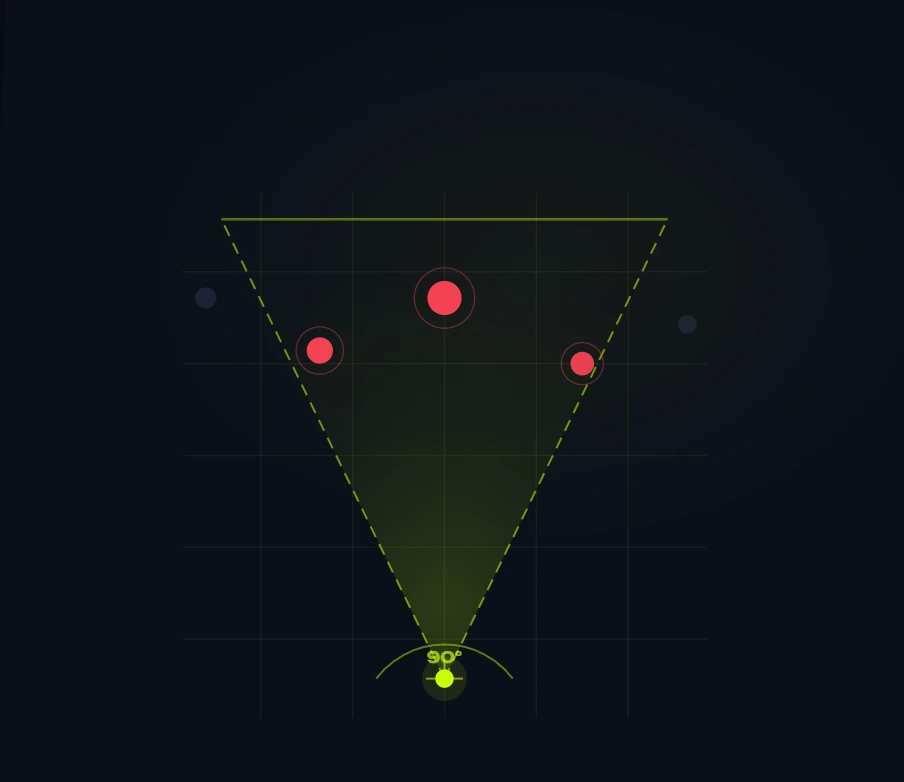
– GENERAL TOOL
FOV Calculator
Calculate and understand Field of View (FOV) for FPS games instantly.
This tool helps you understand and convert FOV values for better gaming performance across all FPS titles. Whether you play on 16:9, 4:3, or ultrawide — get accurate results instantly.
– Quick guide
How to Use This Calculator
01
Enter Your FOV Value
Open your game’s settings menu, find the FOV slider, and enter that exact number into the calculator’s input field.
02
Select FOV Type
Select whether your value is Horizontal or Vertical. Most FPS games use horizontal FOV.
03
Choose Aspect Ratio
Select your monitor’s aspect ratio and hit Calculate. Get horizontal, vertical, and diagonal FOV results instantly.
– The Math Behind It
How We Calculate FOV
Field of view is an angle — the width of the world your game renders at any given moment. Change your monitor’s aspect ratio without adjusting your FOV setting, and that angle changes too. Our calculator keeps it consistent.
01
Understand what you’re starting with
Every FOV value belongs to an axis. A horizontal FOV measures the angle from the left edge of your screen to the right. A vertical FOV measures top to bottom. Most FPS games expose one or the other — not both.
Before converting anything, you need to know which axis your game uses.
02
Convert to horizontal FOV
We use horizontal FOV as the common language. If your input is already horizontal, nothing changes. If it’s vertical, we convert it first using your source aspect ratio:
FORMULA
HFOV = 2 × arctan( tan(VFOV ÷ 2) × (width ÷ height) )
Example — 74° vertical FOV on 16:9
HFOV = 2 × arctan( tan(37°) × (16÷9) )
= 2 × arctan( 0.7536 × 1.7778 )
= 2 × arctan( 1.3397 )
≈ 106.8°
03
Lock in the vertical FOV
The vertical FOV is the invariant — it stays the same regardless of aspect ratio, because your actual field of vision doesn’t change just because your monitor is wider or narrower. We lock it in:
FORMULA
VFOV = 2 × arctan( tan(HFOV ÷ 2) ÷ (width ÷ height) )
Example — 106.8° HFOV on 16:9
VFOV = 2 × arctan( tan(53.4°) ÷ 1.7778 )
= 2 × arctan( 1.3397 ÷ 1.7778 )
= 2 × arctan( 0.7536 )
≈ 74°
04
Project onto your target ratio
Now take that locked vertical FOV and calculate what horizontal FOV it produces on your target aspect ratio:
FORMULA
HFOV_target = 2 × arctan( tan(VFOV ÷ 2) × (target_width ÷ target_height) )
Example — converting 74° VFOV to 21:9
HFOV = 2 × arctan( tan(37°) × (21÷9) )
= 2 × arctan( 0.7536 × 2.3333 )
= 2 × arctan( 1.7583 )
≈ 120.4°
Same vertical field of view. Wider horizontal — because the screen is wider.
Why this matters
A common mistake is copying an FOV number directly across monitors. A 90° FOV on 16:9 is not the same experience as 90° on 21:9 — one is significantly more zoomed in. By anchoring the conversion to vertical FOV, we preserve what your eyes actually perceive, not just what the settings menu says.
– Performance
Why FOV Matters in Gaming
FOV is a key but often ignored setting in competitive gaming. Getting it right improves awareness, aim, and overall comfort.
Higher FOV — More Awareness
A higher FOV improves peripheral vision, helping you spot enemies sooner. The tradeoff is that targets appear smaller, making long-range shots harder.
Lower FOV — Better Focus
A lower FOV narrows your view but makes enemies appear larger, improving aim precision. Many tactical shooter players prefer it because it reduces visual distractions during gunfights.
FOV and Reaction Speed
FOV affects how quickly you process visual information. Too wide can feel overwhelming, while too narrow may hide threats. The best FOV feels natural and supports quick reactions.
Competitive FOV Preferences
Pro players set FOV based on game and style: CS2 ~90°, Apex 90–100°, Warzone higher for awareness.
There’s no best—only what fits you.
– By Game
Game-Specific FOV Calculators
Precision-tuned FOV calculators for the most popular competitive shooters.
Counter-Strike 2
Convert between aspect ratios and match your crosshair placement with precise field of view settings.
Valorant
Optimize your agent awareness and accuracy with the right field of view for your monitor setup.
Apex Legends
Calculate the best settings to maximize your situational awareness across all the legends.
Warzone
Dominate in Call of Duty Warzone with a perfectly calculated FOV. Scale between PC and console.
– Toolkit
Essential FOV Tools
Everything you need to calculate, convert, and optimize your field of view across any setup.
FOV Converter Tool
Convert FOV between games and formats (horizontal, vertical, diagonal) in seconds.
FOV Comparison Visualizer
Compare different FOV settings side by side and instantly see how your view changes.
Aspect Ratio FOV Calculator
Adjust your FOV based on different screen aspect ratios for accurate in-game scaling.
– Knowledge Base
Master Your Field of View
Educational resources to help you understand FOV, optimize your settings, and gain a competitive advantage.
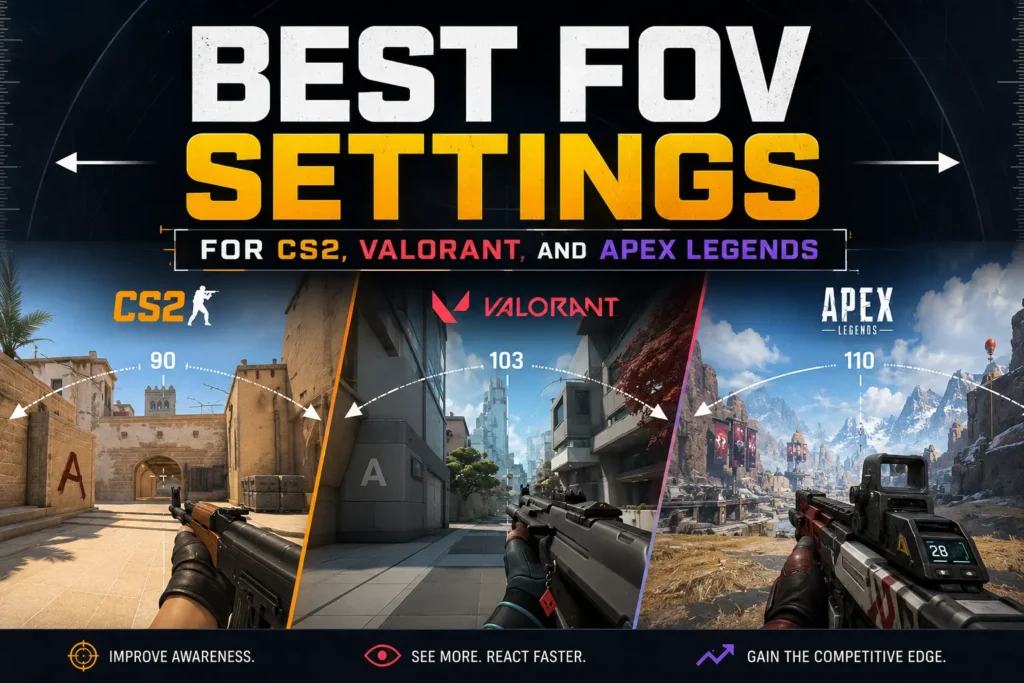
Best FOV Settings for CS2, Valorant, and Apex Legends
Each of these games handles FOV differently — different axis, different defaults, different caps.
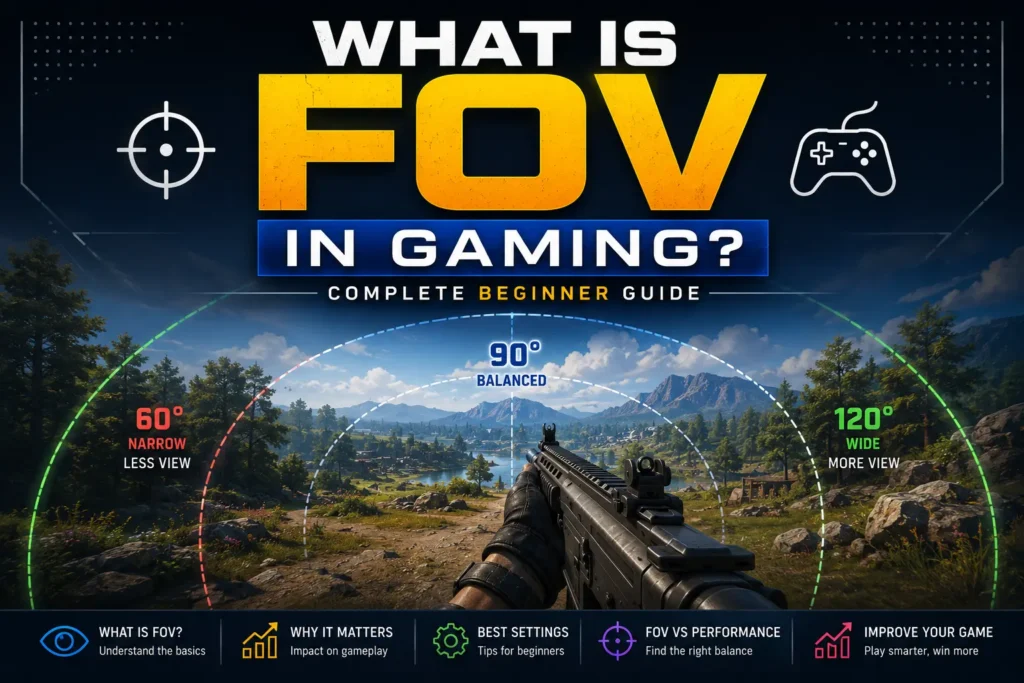
What Is FOV in Gaming? Complete Beginner Guide
Everything you need to know about field of view — what it means, horizontal vs vertical and how aspect ratio changes everything.
– Why Us
Why Gamers Trust FOVCalculatorPro
Built by competitive gamers for competitive gamers. No fluff, no upsells — just precise FOV tools that work.
Accurate Calculations
Every result is derived from industry-standard trigonometric formulas used by game developers and pro setups worldwide. No guesswork, no approximations.
Built For Gamers
Designed specifically for FPS and competitive gaming communities. Every tool, every label, every result is framed around real in-game impact.
Fast & Free
Instant
Calculations with zero signup, no paywalls, and no downloads required. Your FOV answer is one click away — always free.
– FAQ
Common questions about FOV.
Everything you need to know about FOV, gaming performance, and using our calculators.
FOV, or Field of View, refers to the extent of the observable world visible through your character’s perspective at any given moment. In gaming, a higher FOV lets you see more of the environment around you, while a lower FOV narrows your vision but makes distant targets appear larger.
Most competitive FPS players use a horizontal FOV between 90° and 103° on a 16:9 monitor. The sweet spot balances situational awareness with target visibility. Professional players in CS2 commonly use 90° hFOV, while Apex Legends pros tend to prefer 90–100°.
A higher FOV increases peripheral awareness, helping you spot threats earlier. However, too high an FOV causes fish-eye distortion and makes enemies appear smaller, harming accuracy. The optimal FOV depends on your monitor size, resolution, and playstyle.
Yes — changing your FOV effectively changes how fast targets appear to move across your screen, which directly affects the mouse distance required to track them. Many games offer FOV-scaled sensitivity to compensate, but you may need to recalibrate your sensitivity any time you change FOV.
Horizontal FOV measures the width of your field of view, while vertical FOV measures the height. They are mathematically linked through your aspect ratio. Games typically allow you to set one and automatically calculate the other — but which one they expose varies by title.
Yes, a higher FOV renders more of the game world and can reduce frame rates slightly, especially on lower-end hardware. The performance impact varies by game engine and GPU. Most modern systems handle the difference between 90° and 110° FOV with minimal FPS loss.
Professional preferences vary by game. CS2 pros almost universally use the default 90° hFOV. Valorant pros tend to stick near 103° hFOV. In Apex Legends, the majority of pros use between 90° and 100°. What matters most is finding a consistent setting that suits your hardware and playstyle.
Use the formula: hFOV = 2 × arctan(tan(vFOV/2) × aspectWidth/aspectHeight). Our Universal FOV Calculator handles this automatically — just enter your known FOV and aspect ratio, and we’ll compute the rest instantly.
Ready To Optimize Your Field Of View?
Calculate your ideal FOV, compare settings across games, and improve your competitive gaming experience — all for free.