
Best FOV Settings for CS2, Valorant, and Apex Legends
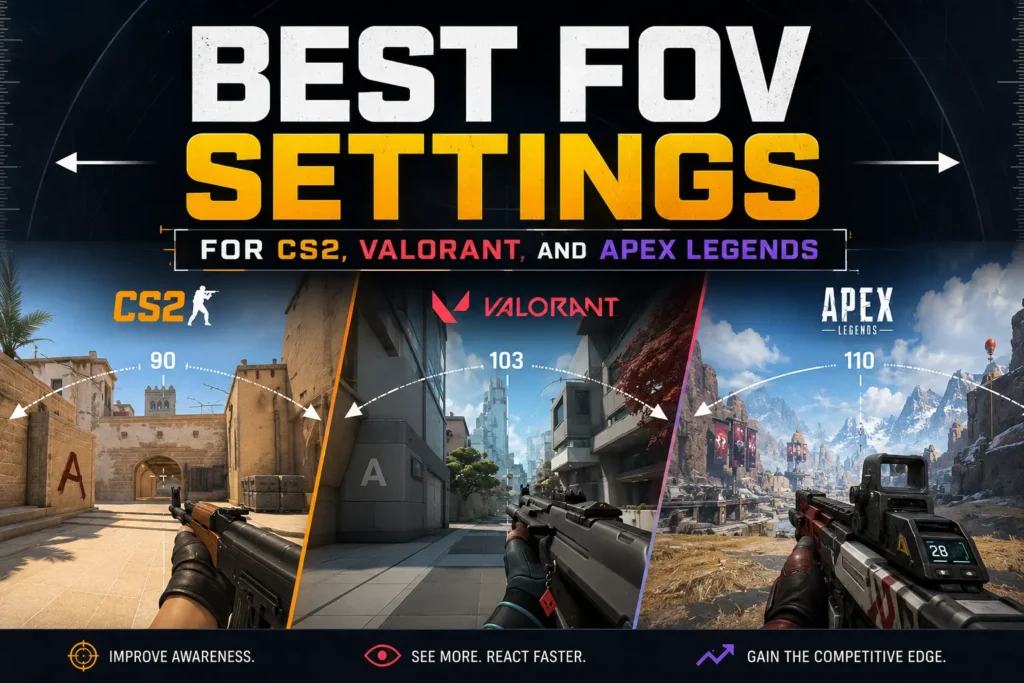
Each of these games handles FOV differently — different axis, different defaults, different caps. Using the same number across all three is one of the most common setup mistakes in competitive FPS. Here’s what you actually need to know for each game.
8 mins read
Quick Reference: FOV Settings by Game
| Game | Starting FOV | Ratio | Notes |
|---|---|---|---|
| Counter-Strike 2 | 90° (horizontal) | 16:9 | Equivalent to CS2 default on 4:3; ~106° on 16:9 |
| Valorant | 103° vFOV (default) | 16:9 | Engine-locked, well-balanced for all levels |
| Apex Legends | 100° | 16:9 | Good balance of awareness and aim |
| Warzone | 105° | 16:9 | BR maps benefit from wider FOV |
| Fortnite | 90° | 16:9 | Start at 90°, increase to cap (100°) if needed |
CS2
CS2 uses horizontal FOV and it scales automatically with your resolution’s aspect ratio. The default is 90° on 4:3, which translates to approximately 106.3° on 16:9 — meaning if you’re on a widescreen monitor, the game is already giving you a wider FOV than that number implies.
The fov_cs_debug command lets you see your actual in-game FOV. Most pro players on 16:9 operate between 90° and 106° horizontal. The key is consistency — pick a value, convert it correctly when you change your setup, and don’t touch it again.
- FOV axis: Horizontal
- Scales with aspect ratio: Yes
- Recommended range (16:9): 90–106° horizontal
- Common pro starting point: 90° (equivalent to ~106° on 16:9)
Valorant
Valorant uses vertical FOV — it stays fixed regardless of your aspect ratio. This is the most sensible system for aim consistency, because your vertical calibration never changes when you switch monitors or resolutions.
Valorant doesn’t expose an FOV slider — the vertical FOV is engine-locked at 70.53°, which translates to approximately 103° horizontal on 16:9. You cannot change it. What you can do is convert your CS2 or Apex settings to match this vertical FOV so your muscle memory transfers as cleanly as possible between games.
- FOV axis: Vertical
- Scales with aspect ratio: No — vertical is fixed
- Fixed vertical FOV: 70.53°
- Equivalent horizontal (16:9): ~103°
Apex Legends
Apex uses horizontal FOV with a slider from 70° to 110°. Unlike CS2, the FOV does not auto-scale with aspect ratio — what you set is what you get horizontally, regardless of whether you’re on 16:9 or 21:9.
This matters a lot for ultrawide players. On 21:9 with 90° horizontal FOV, your vertical FOV is noticeably narrower than on 16:9 at the same setting — enemies at head level appear smaller, and your aim compensation breaks. Most competitive players settle between 90° and 104° horizontal on 16:9. Higher than 104° starts to distort edges noticeably in Apex’s engine.
- FOV axis: Horizontal
- Scales with aspect ratio: No
- Slider range: 70°–110°
- Recommended range (16:9): 90–104° horizontal
Converting Between Games
If you play multiple games and want your aim to transfer as cleanly as possible, the goal is to match your vertical FOV across all of them. Since Valorant locks vertical FOV at 70.53°, that’s the most useful anchor — convert your CS2 and Apex settings to match it. Use the calculator below to get the exact value for each game instantly.
– RELATED TOOL
– RELATED GUIDES