Why Some Games Lock Your FOV — And What They Get Right
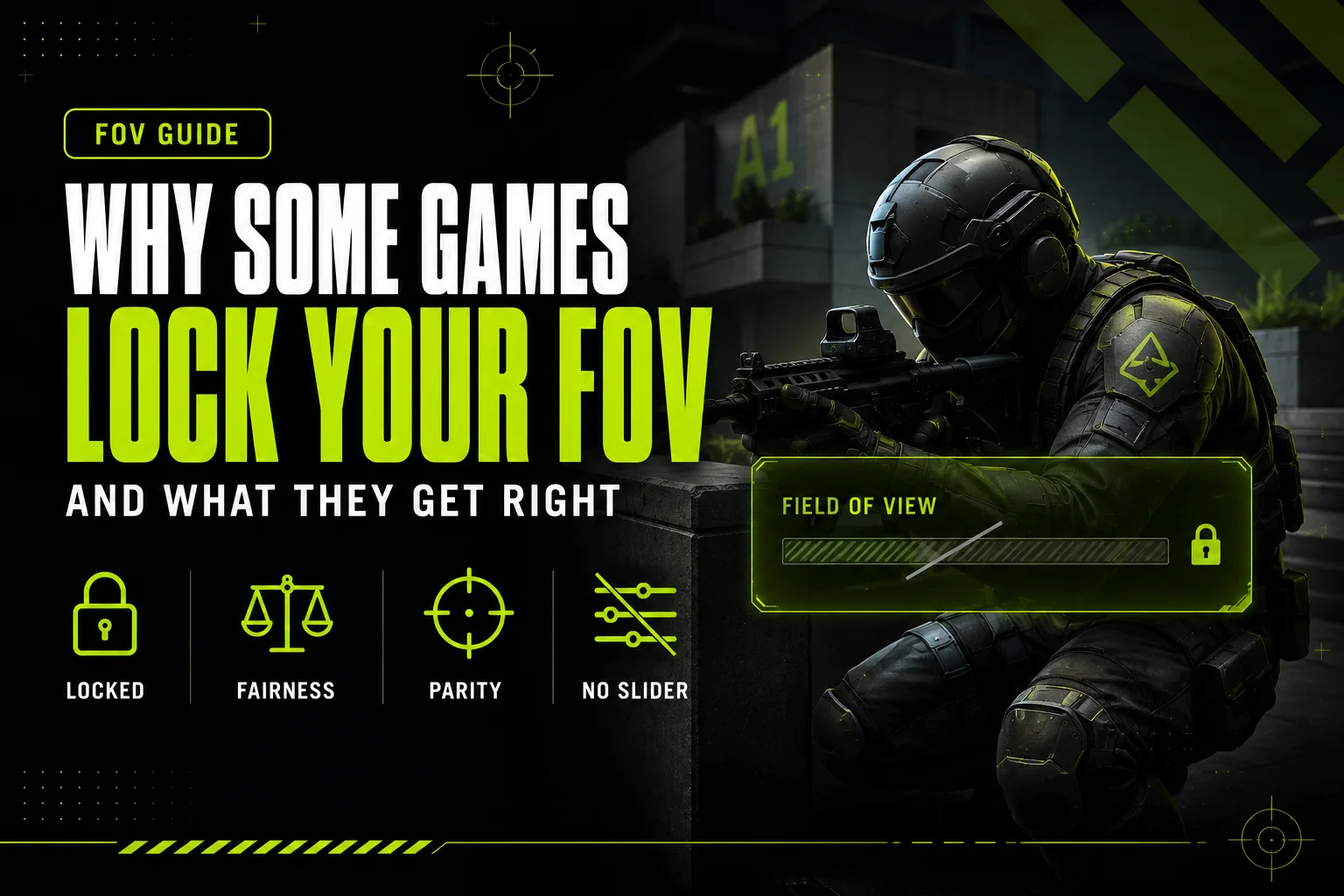
Search “Valorant FOV slider” and most guides frame the answer the same way: Valorant doesn’t have one, and that’s treated as a shame. The same complaint follows CS2 and Marvel Rivals, and it’s creeping closer to Overwatch 2 than most players realize. But treating a locked FOV as a missing feature skips the actual design question underneath it: what problem is a lock solving, and is that problem real?
It is. A locked FOV removes one more variable from who wins a gunfight — no player can buy a wider view than an opponent, ever, regardless of monitor or settings menu. That’s a genuine fairness argument, and it’s part of why Valorant ships this way. It’s also not the whole story: locking a setting has real costs for players who can’t tolerate the fixed number they’re given, and that trade-off deserves the same honest look as the upside. This post argues both sides and leaves the verdict to you.
7 mins read
Quick Answer
Valorant, CS2, and Marvel Rivals lock FOV outright — no slider exists. Overwatch 2 doesn’t lock it, but its 80–103 range caps low enough to function similarly. PUBG splits the difference: adjustable first-person, fixed third-person. The locking isn’t an oversight — it’s a trade-off between competitive fairness and accessibility, and it cuts both ways.
The Locked-FOV Games
These statuses are confirmed against each game’s current settings menu. Where a game only locks part of the camera system — CS2’s world view versus its weapon viewmodel, PUBG’s first-person versus third-person modes — the table separates what’s actually fixed from what isn’t.
This list only includes a game once its locked or adjustable status is confirmed against the current settings menu — a game isn’t added on the strength of a forum claim alone.
PUBG is the odd case worth calling out on its own, because it doesn’t pick one policy for the whole game. Play first-person and you get a real slider across roughly 80–103, though sources vary slightly on the exact low end. Switch to third-person and the camera locks — there’s no published numeric value for it, and no in-game setting changes it, no matter what your first-person setting was — because TPP and FPP aren’t the same camera system underneath, just two ways of looking at the same match. It’s a reminder that “does this game lock FOV” isn’t always a single yes-or-no answer.
For games that do give you a slider across the board, the axis it’s measured on matters just as much as the range itself — see our companion guide on which games use vertical FOV for the full breakdown.
What Locking Gets Right
Neither Riot nor Valve has published a design document explaining why Valorant and CS2’s world camera are fixed. What follows is inference — the logic that best explains what the lock actually does — not a stated rationale from either studio. Read it as an argument, not a quote.
Competitive parity. If FOV is locked, nobody gains a wider view of the map by owning a bigger monitor, an ultrawide setup, or just knowing which slider to max out. Every Valorant player sees the same 70.53° cone, full stop — the setting simply isn’t part of the skill-or-budget equation the way sensitivity or crosshair color are.
Engagement ranges tuned around a known view. Level designers and ability designers can place sightlines, chokepoints, and hitscan ranges assuming every player’s camera renders the scene the same way. A wider FOV shrinks distant targets; if FOV varies by player, effective target size at any given range varies too, and balance decisions start resting on an assumption that isn’t actually true for everyone at the table.
No buying an advantage with a monitor. This is the most speculative of the three, but it follows from the other two: a wider display, a different aspect ratio, or a GPU that can push extra FOV without a performance hit shouldn’t determine whether you spot a flank first. Locking the setting removes that variable entirely instead of trying to normalize it after the fact.
The Honest Counter-Argument
The costs are real too, and they don’t get enough airtime alongside the parity argument above.
Players with motion sickness sensitivity often need a specific FOV to play comfortably — sometimes wider, sometimes narrower than a game’s fixed value — and a locked setting gives them no lever to pull. In an adjustable game, they can tune around the problem. In Valorant or CS2’s world view, they can’t, and stepping away from the game is the only remedy on offer.
Ultrawide monitor owners get an inconsistent deal across this list, too. A locked vertical FOV like Valorant’s still expands its horizontal figure on a wider aspect ratio — so ultrawide players do see more of the world than 16:9 players, just without a slider they consciously opted into. That’s arguably a bigger inconsistency than an adjustable game allows, since at least a published range is a known trade a player agrees to going in.
And accessibility, more broadly, is a genuine cost rather than a talking point. An FOV slider is one of the cheaper accommodations a developer can ship — it costs comparatively little engineering time against the discomfort it prevents for a meaningful slice of players. Locking FOV trades that accommodation away in exchange for the parity argument above, and reasonable people land in different places on whether that trade is worth it. This piece isn’t going to settle that for you — both sides are legitimate.
The Marvel Rivals Center Gap Myth
Common Mistake: Some settings guides claim Marvel Rivals‘ Center Gap option widens your field of view. It doesn’t, and it’s worth debunking directly since the claim keeps circulating.
Center Gap is a crosshair parameter — it moves where your crosshair sits relative to the center of your screen. It’s drawn on top of the rendered frame, like any other HUD element, and it changes zero pixels of the actual game world. Nothing about how much of the map you can see, how large enemies render, or how the camera projects the scene changes when that slider moves.
Marvel Rivals doesn’t expose a numeric FOV value at all. Its third-person camera has been fixed since launch in December 2024, on every platform, and no setting in the current menu changes that — Center Gap included.
Overwatch 2: The Soft Cap
Overwatch 2 isn’t on the locked list technically — it gives players a real slider, adjustable from 80 to 103. But 103 is also the ceiling, and that number is doing more work than it first looks like.
Did You Know? Valorant’s fixed 70.53° vertical FOV converts to 103° horizontal on a 16:9 monitor — and Overwatch 2’s slider caps out at that exact same 103° horizontal figure. Two different design approaches arrive at the identical number: one a derived horizontal figure from a locked vertical value, the other a soft horizontal ceiling on an otherwise adjustable slider.
That convergence isn’t as strange as it sounds once you separate the two paths that lead there. See our horizontal vs. vertical FOV explainer for the underlying mechanics — 103 shows up repeatedly across different engines as a comfortable upper bound before edge distortion starts becoming noticeable, which is a plausible reason it keeps appearing as a ceiling even in games that never coordinated on it.
Functionally, an 80–103 range with a hard ceiling gives Overwatch 2 most of the parity benefit of a full lock — nobody can push past 103 regardless of hardware — while still letting players tune the lower end to taste. It’s a middle position between Valorant’s full lock and a wide-open range, and it’s worth naming as its own category rather than lumping it in with either extreme.
– FAQ
Common questions about locked FOV.
Neither Riot nor Valve has published an official rationale, but the most likely explanation is competitive parity — nobody can see more of the map than anyone else by owning a wider monitor or a stronger GPU. It also lets designers tune sightlines and engagement ranges around one known view instead of a range of possible ones.
No. Valorant’s world FOV is fixed at 70.53° vertical with no menu option to change it. CS2’s world camera is likewise not user-adjustable — only viewmodel_fov, which controls your held weapon’s model and not the world view, can be changed, within a 54–68 range.
No, despite what some guides claim. Center Gap repositions your crosshair on screen — it’s a UI overlay setting, not a camera setting, and it doesn’t change a single pixel of the rendered game world. Marvel Rivals has no FOV slider at all.
Not technically — you get a real slider from 80 to 103. But the 103 ceiling caps out low enough that it functions similarly to a lock at the top end, even though the bottom of the range is genuinely adjustable.
Blizzard hasn’t stated a specific reason, but 103 is a notable number regardless: it’s the exact horizontal figure Valorant’s locked vertical FOV converts to on a 16:9 monitor. Whether that’s intentional or coincidental isn’t confirmed, but 103 shows up repeatedly across engines as a practical upper bound before edge distortion becomes noticeable.
It’s a real cost for players who need a non-default FOV to avoid motion sickness or discomfort, since they have no way to tune around a fixed value. That has to be weighed against the competitive-parity case for locking it — this is a genuine trade-off, not a settled question either way.
– RELATED TOOLS
– RELATED GUIDES